
Switch to Googlebook.
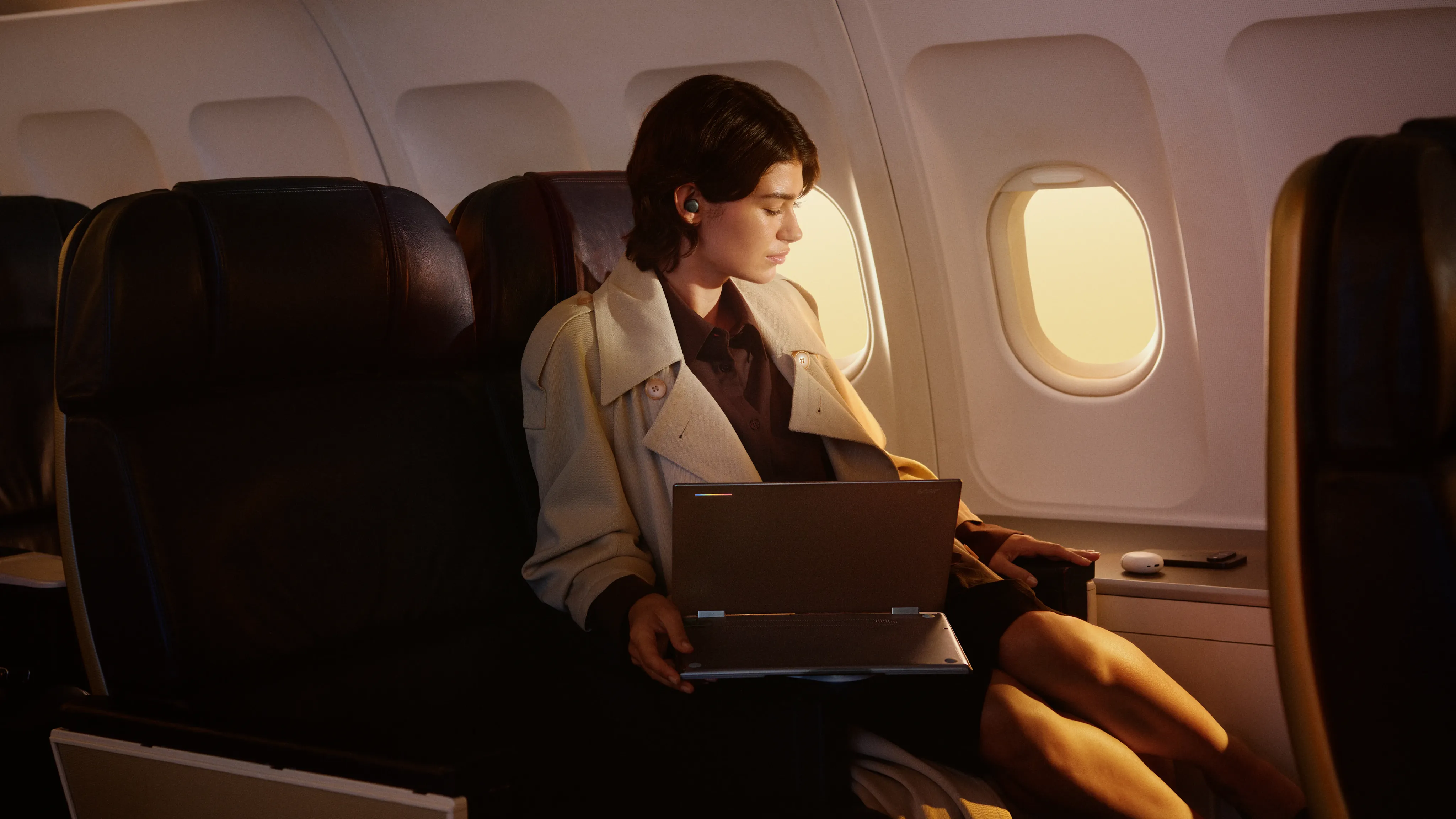
A whole new kind of laptop.
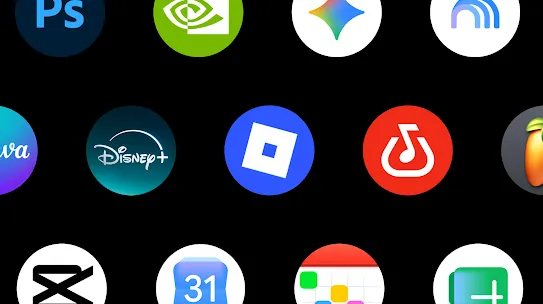
A world of apps.
Millions of titles on Google Play.
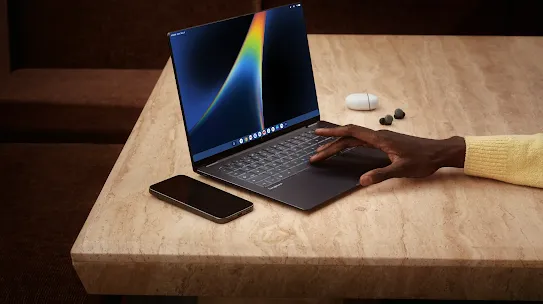
Your phone and laptop. Together at last.
Working in tandem like they were meant to, with files and apps always on-hand.
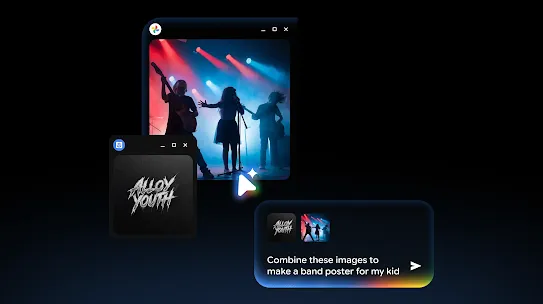
Intelligence that stays out of the way.
Googlebook gives you personal, proactive help so you can get from idea to action in seconds.

Premium hardware.
No compromises.
Switch from any laptop. It’s simple.


Want more details? Visit our Help Centre.
Learn more about just how easy it is to switch to Googlebook.
Moving your files is straightforward. Sign in to Google on your old laptop. Upload your files to Google Drive, and then you can finish set-up with your phone.
Googlebook comes with built-in protection that helps keep viruses, malware and hackers out.
Shop the full line-up.